
AI overview
Access the AI assistant from anywhere in the app to work faster with your ESG data.
What the AI assistant does
The AI assistant in OpenSFDR can do anything you'd normally do through the dashboard — create entries, look up data, generate analyses, and more. It's designed to make working with ESG data faster, not to replace the dashboard. You don't need it for any specific workflow, but it can significantly speed up your day-to-day work.
The assistant always asks for your approval before making changes to your data (creating, updating, or deleting entries). You stay in control of every action.
Accessing the chat
The AI assistant is available from anywhere in the app. Click the AI Workbench at the bottom of any page to open the chat panel.
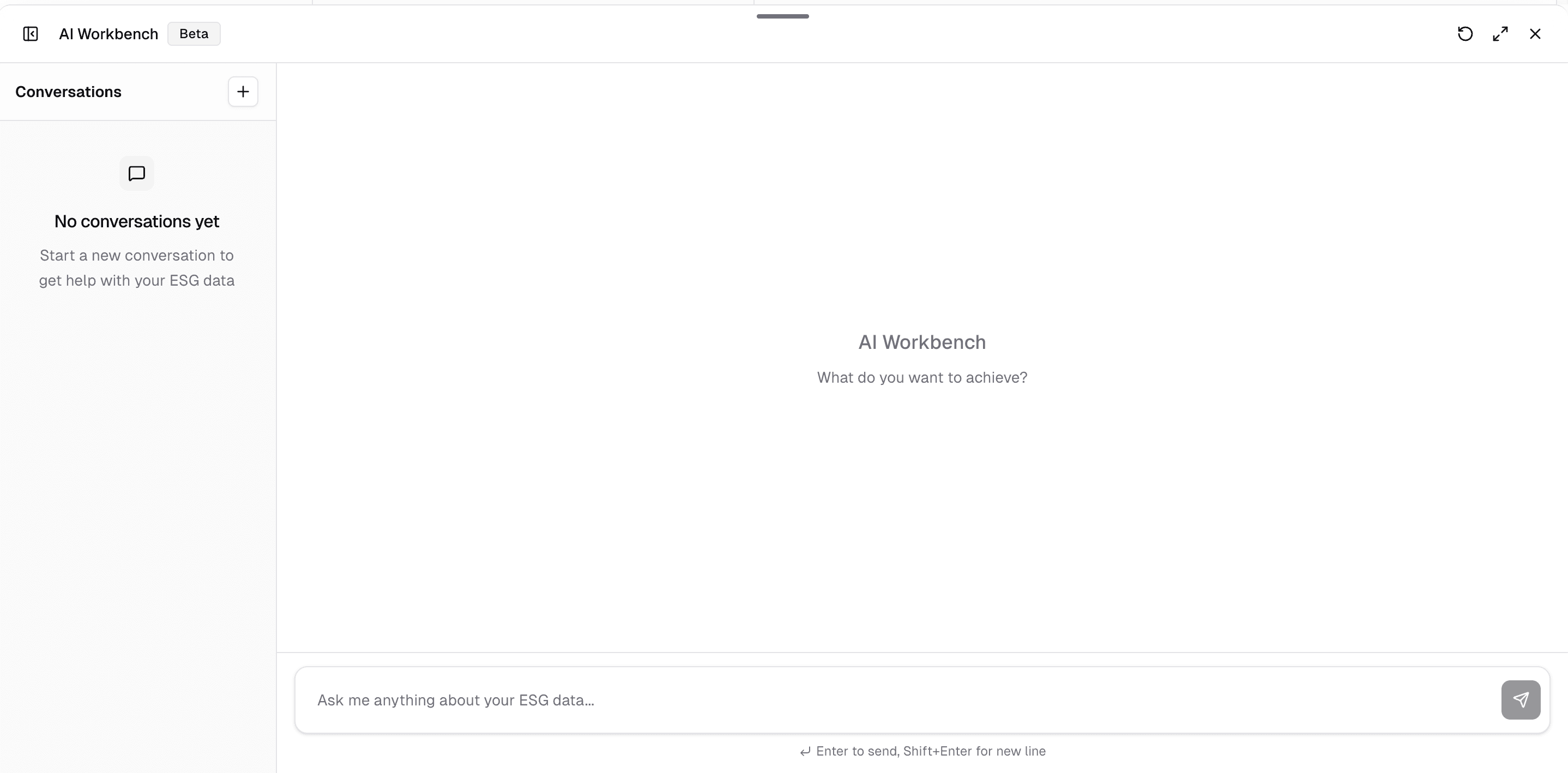
Your conversations are persistent — they're saved automatically, so you can close the chat and return to it later. You can also start multiple conversations and switch between them.
Choosing a model
You can choose between different model sizes depending on your task:
- Smaller models — Fast and efficient, suitable for most everyday requests like looking up data, creating entries, or answering questions.
- Larger models — More capable for complex reasoning, but consume AI credits significantly faster.
For most tasks, the smaller models work well. Reserve larger models for complex analyses, multi-step data extraction, or when you need more nuanced reasoning.
AI credits and usage
AI services have inference costs, so usage is managed through a credit system. Your available credits for the current month are always visible on your Subscription page and on the tenant root page.
Free credits:
- New tenants receive 5 EUR in AI credits per month.
- Tenants with any paid subscription receive 50 EUR in AI credits per month.
If you need more, dedicated paid packages are available that increase your monthly AI usage limits. See Subscription & plans for details.
Credits are consumed at different rates depending on the model size and the type of task. For example, document extraction uses more credits than a simple chat question. You'll always see the cost of a request after it completes.
Custom AI behavior
If you'd like the AI assistant to follow specific guidelines — such as a preferred tone, language, or analysis style — the OpenSFDR team can configure this for your tenant. Reach out to support@opensfdr.com to set this up.
What's next?
- Managing documents — Upload and process documents for AI-powered search and data extraction
- Managing ESG data — Learn how the AI assistant can help with data entry and extraction
Last updated on