
Getting access
Create your account and connect to a tenant in just a few minutes.
Creating your account
Start by visiting the registration page.
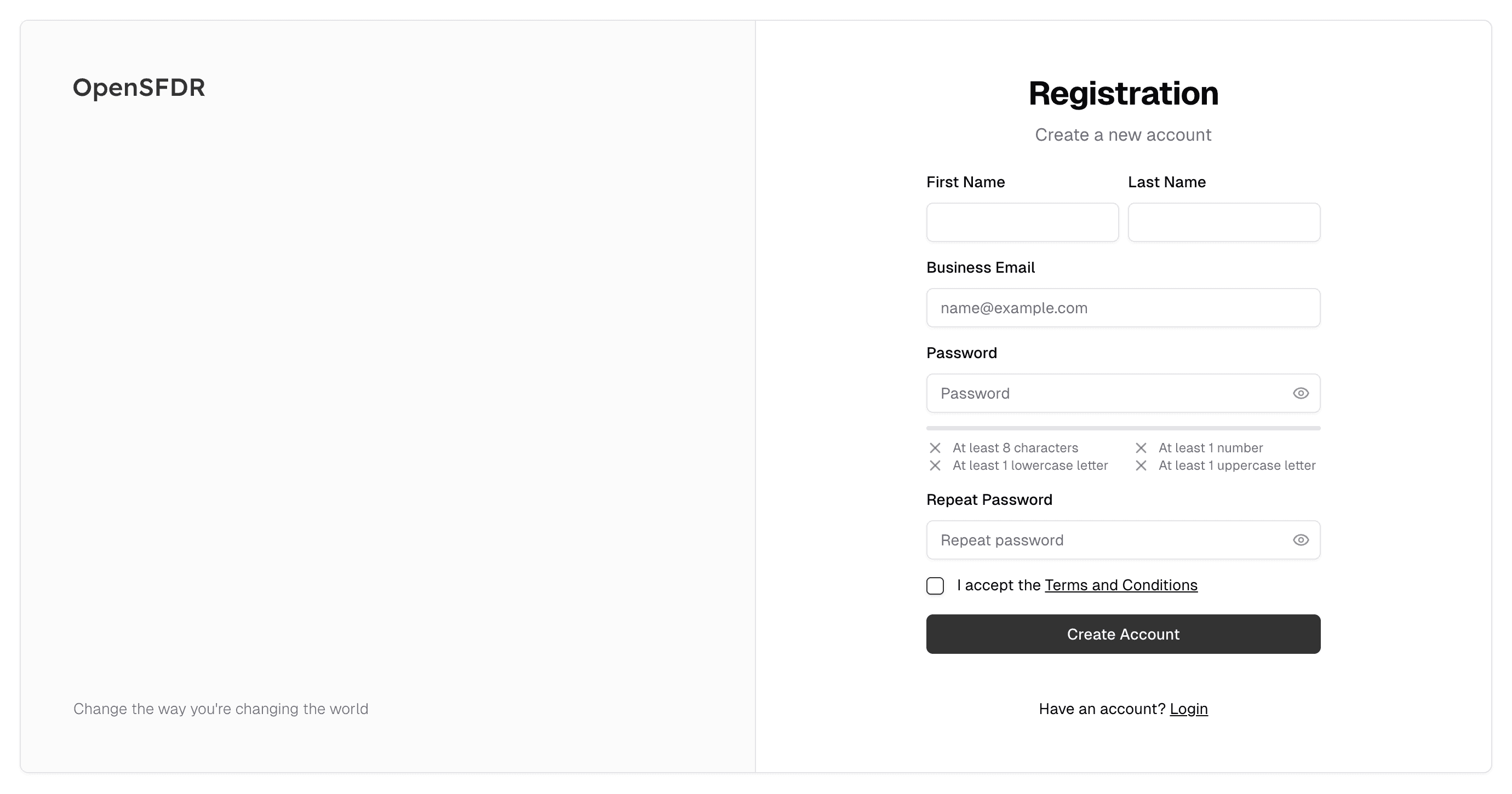
You will be guided through the registration process step by step.
First-time company verification
When the first user from a company signs up (e.g. name@yourcompany.com), we verify the business domain before granting access. This ensures that only users with legitimate business reasons can use the platform.
Here's what to expect:
- You'll receive an email confirming that the verification process has started.
- Once your business is verified, you'll receive a second email with a link to complete your registration.
- During registration, you'll receive a final email to verify your email address — this is the standard email confirmation step.
The entire process usually takes just a few minutes. If you don't hear from us within an hour, reach out at support@opensfdr.com.
Additional users from the same domain (e.g. colleague@yourcompany.com) won't need to go through business verification again — they can register right away.
Connecting to a tenant
After creating your account, you'll need to connect it to a tenant — the organization you'll be working in.
You have two options:
- Create a new tenant if your company is new to OpenSFDR.
- Join an existing tenant if someone from your organization is already on OpenSFDR. They'll send you an invitation, and you can accept it with a single click from this screen.
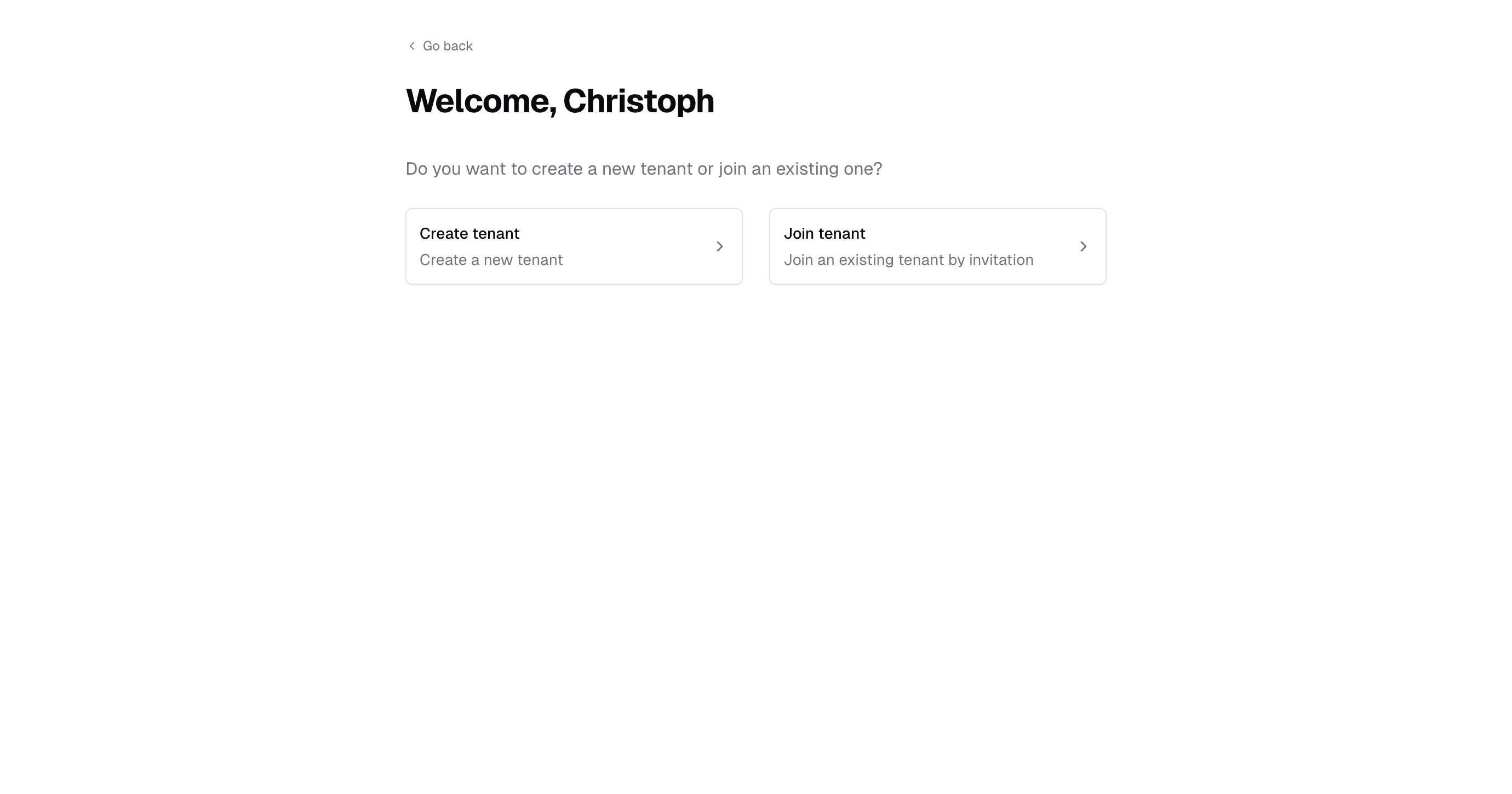
Your starting point
Once you've created or joined a tenant, you'll land on the root page. This shows all of your available tenants, assets, and financial products.
For a brand-new tenant, you'll just see the tenant you created:
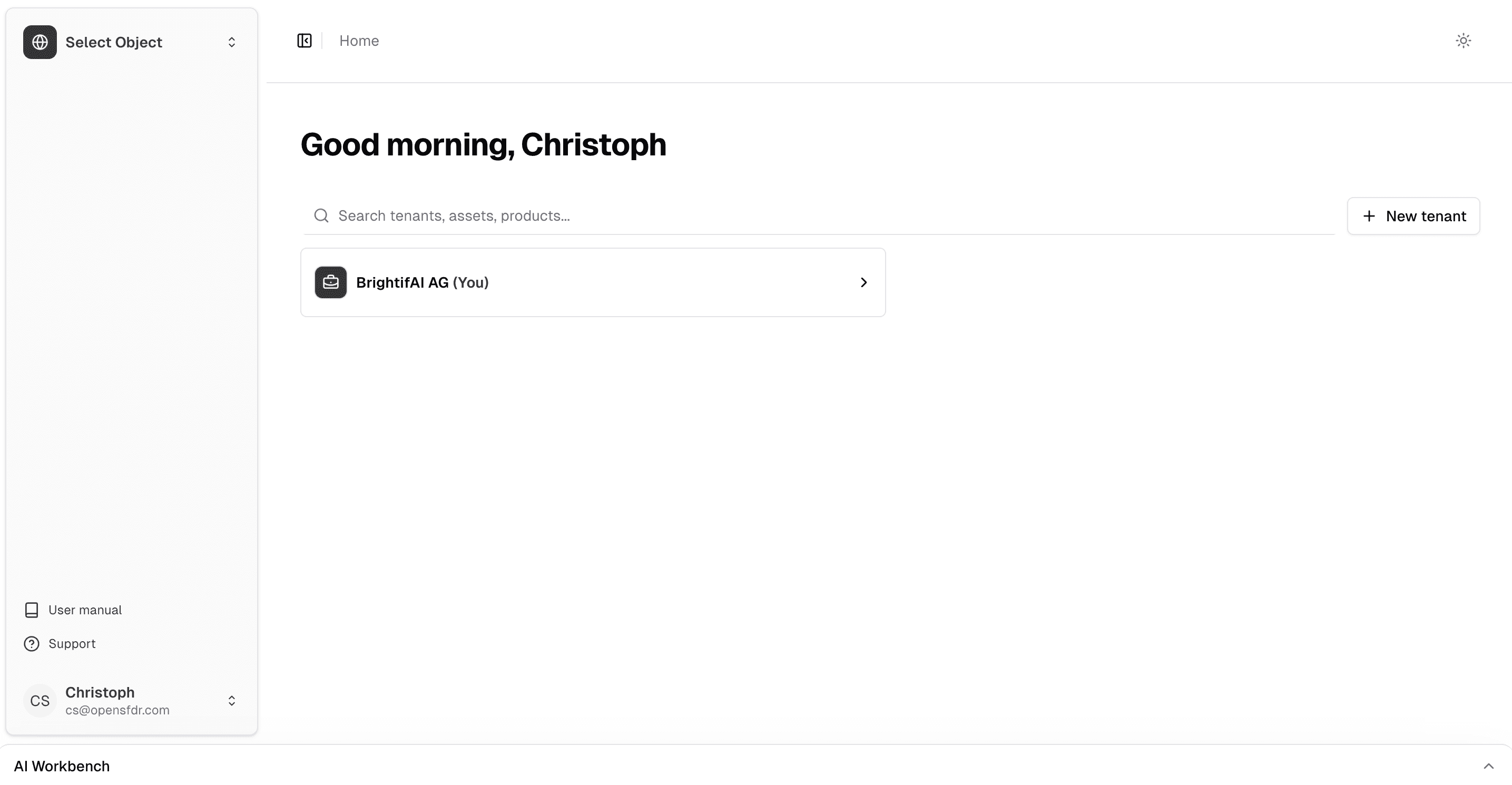
Click on your tenant to start managing it. From here, head to Navigating to learn your way around the interface.
Last updated on