
Creating your first fund
Set up a financial product in OpenSFDR and start managing its SFDR disclosures.
What you'll do
In this guide, you'll create your first financial product (fund) in OpenSFDR. This is the starting point for managing your fund's SFDR disclosures, collecting sustainability data, and generating reports.
Create a financial product
Open the Financial Products section
Navigate to your tenant and click Financial Products in the sidebar.
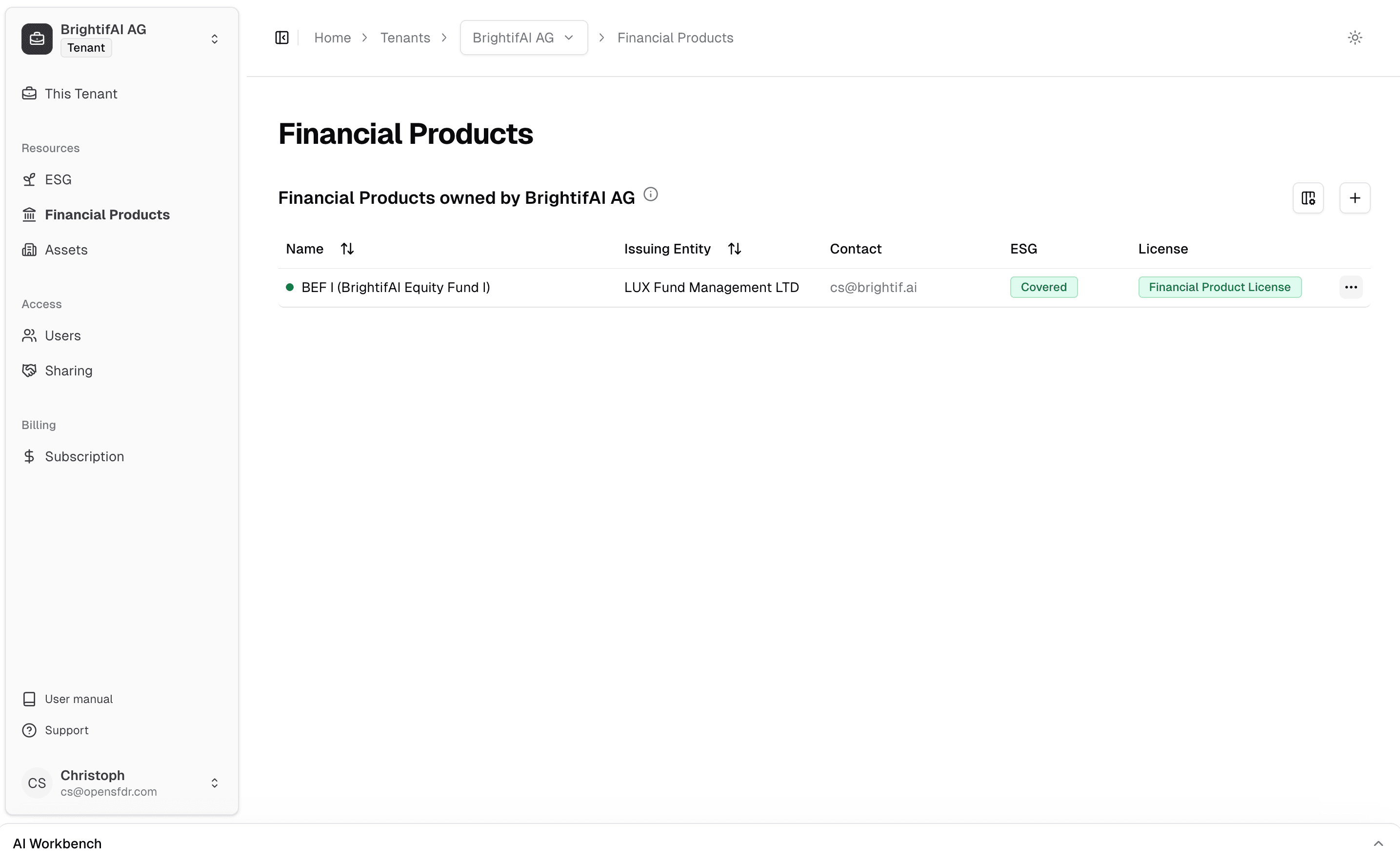
Add a new fund
Click the + button to create a new financial product. You'll be asked to provide basic information about your fund, such as its name and currency.
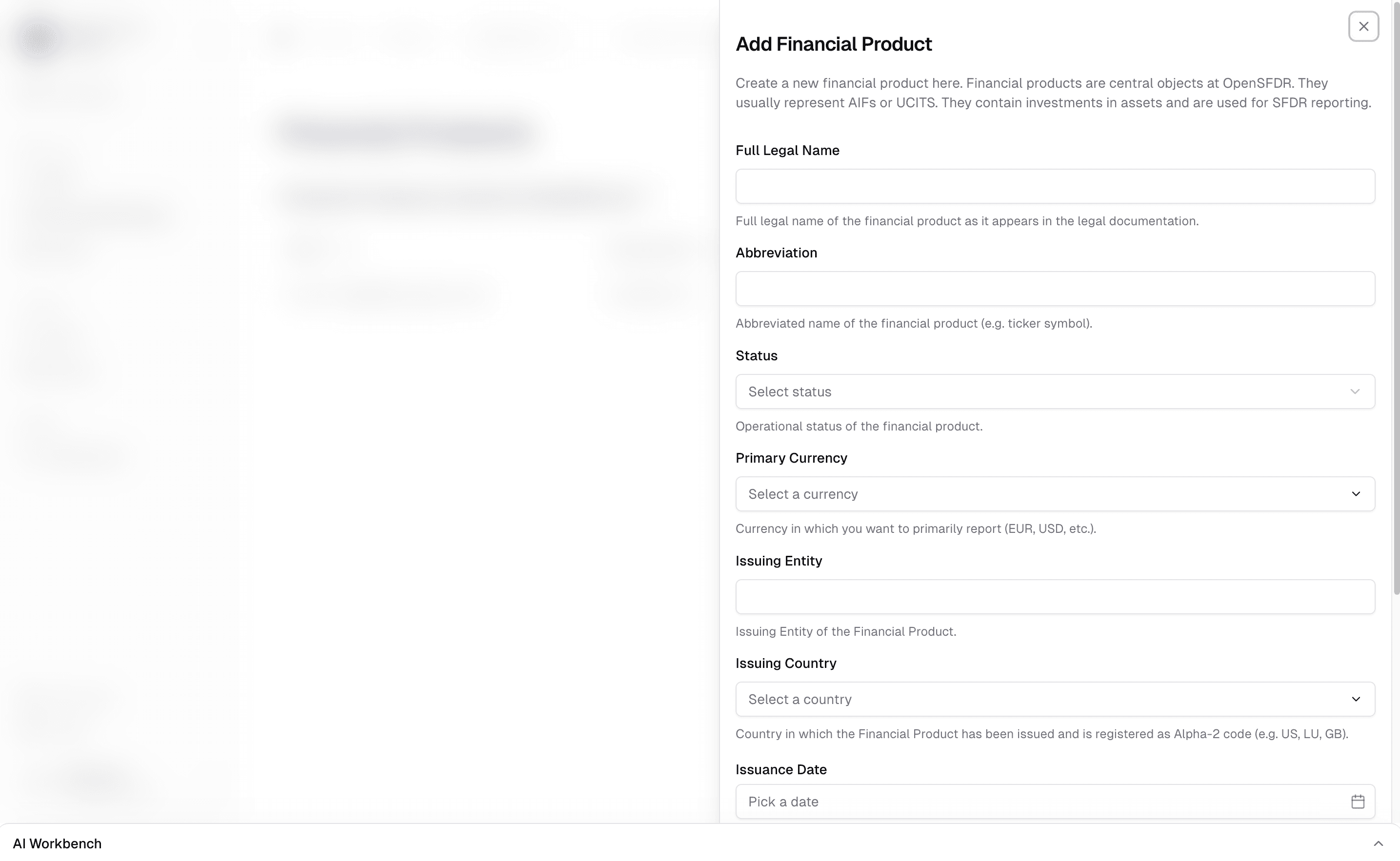
Explore your fund
Once created, you can navigate into your fund to manage its investments, assign ESG strategies, and generate reports. The fund page gives you a full overview of everything related to this financial product.
What comes next?
After creating your fund, you'll typically:
- Add assets — Create the companies or properties your fund invests in under Assets.
- Link investments — Connect your fund to its assets by creating investments with the relevant amounts.
- Set up ESG strategies — Define which sustainability indicators apply to your fund under ESG.
- Collect data — Invite portfolio companies to report their sustainability data, or enter it yourself.
- Generate reports — Once data is in, produce SFDR-compliant disclosures from your fund's page.
Each of these steps is covered in detail in the guides section. For a deeper understanding of how these concepts relate, see Main concepts.
What's next?
- Main concepts — Understand tenants, assets, financial products, and how they connect
- Connecting with other organizations — Share access with portfolio companies and LPs
Last updated on