
Inviting users
Add team members to your tenant so they can collaborate on ESG data and reporting.
Why invite users?
OpenSFDR supports up to 20 users per tenant. Inviting your colleagues lets them view data, enter sustainability metrics, generate reports, and collaborate — all within your organization's shared workspace.
How to invite a user
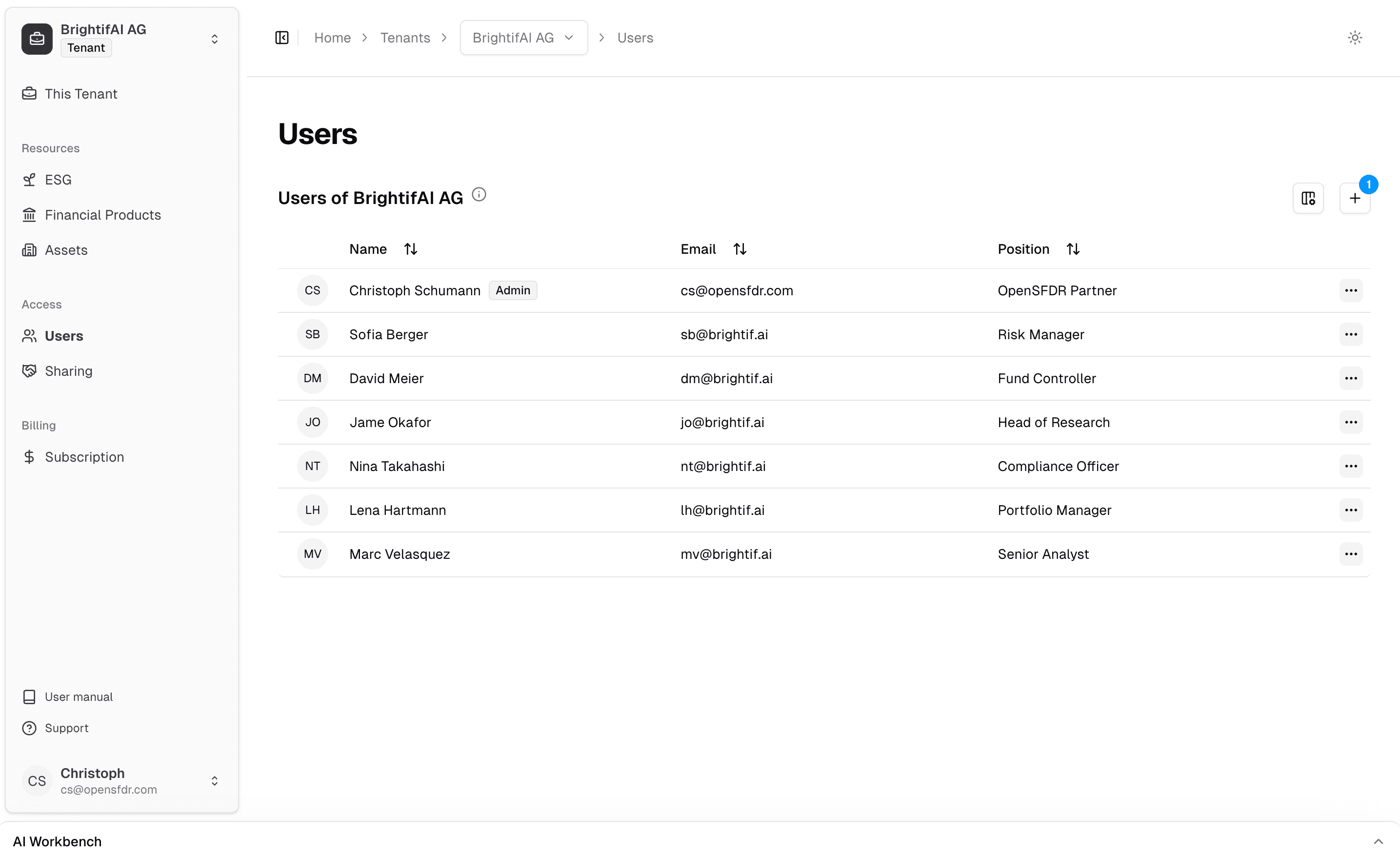
Send an invitation
Click the + button and enter the email address of the person you want to invite. They'll receive an email with instructions to join your tenant.
If the person already has an OpenSFDR account, they can accept the invitation and join immediately. If they're new to OpenSFDR, they'll be guided through account creation first.
Any user in your tenant can send invitations — you don't need to be an admin.
Admins vs. regular users
There are two user roles in OpenSFDR:
- Admin — Can do everything a regular user can, plus manage other users (e.g. remove users from the tenant).
- Regular user — Can view and work with all data in the tenant, invite new users, and generate reports.
Make sure at least one person in your organization has admin access. Admins are the only ones who can remove users from the tenant.
What's next?
- Connecting with other organizations — Share access with portfolio companies, LPs, or advisors
- Navigating the app — Learn your way around the interface
Last updated on